
Last reviewed: 14 September 2026
The great buzz around smart meters might have you wondering if they are worth it, or if they are actually as "smart” as they are made out to be. They have been sold to the nation as the tiny box that ends estimated bills forever, and for millions of households, that is exactly what they have delivered: automatic meter readings instead of guesswork, and much greater visibility over energy use. For most people, they work as intended.
However, they are not without their drawbacks. Some households experience connectivity issues, in-home displays that stop updating, delayed meter readings or confusion after switching suppliers. Others have concerns about privacy, installation or whether a smart meter can affect their bills. While some of these are genuine limitations, many are temporary issues, supplier-related problems or common misconceptions rather than faults with the meter itself.
This guide sorts the genuine, common drawbacks from the myths and the one-off horror stories, tells you which is which, and gives you a clear next step for each.
Smart meters at a glance:
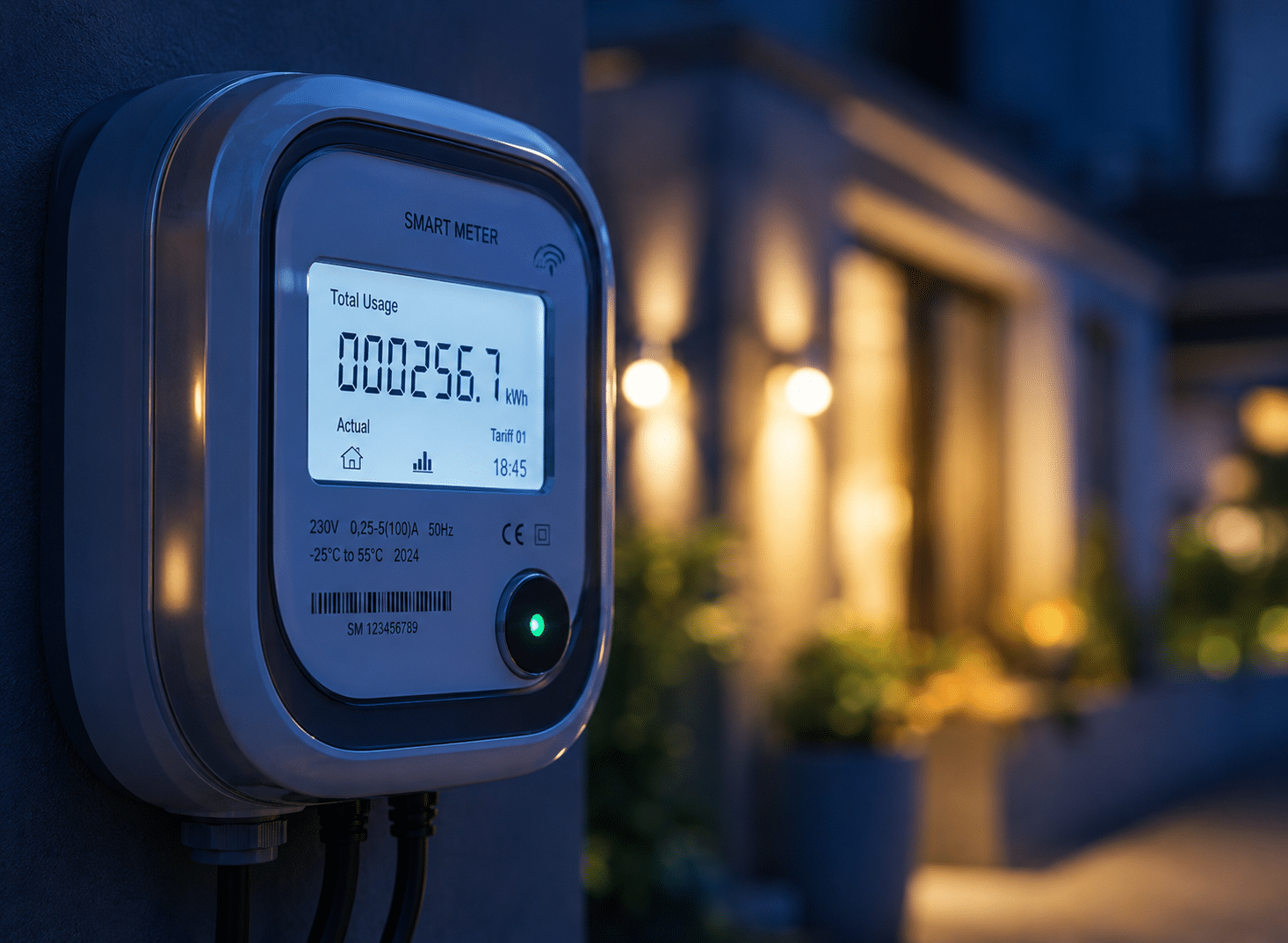
The obvious question to tackle first is what is a smart meter? A smart meter is a digital gas or electricity meter that automatically sends meter readings to your energy supplier, removing the need for manual readings. It is designed to provide more accurate billing and give consumers greater visibility of their energy use. Most also come with an in-home display showing your usage and rough cost in near real time. Unlike traditional meters, smart meters communicate remotely using a secure communications network.
As of the end of June 2026, 42 million smart and advanced meters were in use across Great Britain, making up 72% of all meters. Of the 40 million smart meters specifically, 92% were operating in smart mode.
Our guide on what is a smart meter aims to explain smart meters in detail.
What are the main disadvantages of smart meters?
While smart meters work well for most households, they do have some limitations. Some issues relate to the technology itself, while others stem from connectivity, supplier systems or installation. If you come across any of these problems, you should let your supplier know.
| Common disadvantages | Who may be affected | What you can do |
| Connectivity or signal issues | Homes in some rural areas or properties with communication challenges | Contact your supplier to check whether your meter is communicating correctly. |
| In-home display (IHD) not updating | Some smart meter users | Check the display first. If the issue continues, contact your supplier. |
| Delayed meter readings | Any household experiencing communication or supplier delays | Check whether your bill uses actual or estimated readings and contact your supplier if necessary. |
| Problems after switching supplier | Some customers, depending on meter type and supplier support | Check whether your meter is still sending readings automatically and speak to your supplier if you are unsure. |
| Installation disruption | Anyone having a smart meter installed | Expect a short visit by the supplier’s engineer and a temporary interruption to your gas or electricity supply. |
| Confusion over bills | Households comparing old and new bills | Remember that a smart meter records usage but doesn't set your tariff or energy prices. |
| Privacy concerns | Anyone worried about energy data | You can control how often your meter sends readings. Check your supplier's privacy guidance for current options. |
Common smart meter problems and practical checks
The in-home display isn't updating
If your in-home display (IHD) stops updating or appears to freeze, it means there is usually an issue with the display or connectivity.
The in-home display is a separate device that receives information from your smart meter and shows your energy usage in near real time. If it loses connection, runs out of power or develops a software issue, it may stop displaying current information even though your smart meter continues sending readings to your supplier.
Before contacting your supplier, check that the display is switched on, located within range of the smart meter and showing any connection indicators recommended by the manufacturer. If it still isn't updating after following your supplier's guidance, it is worth getting in touch to investigate further.
The meter seems to have lost its smart functionality
Some customers notice their smart meter has stopped sending automatic readings and started behaving like a traditional meter, usually after switching energy supplier. This is a known issue with older, first-generation (SMETS1) meters: they were originally built to communicate only with the network of the supplier who installed them, rather than a shared national network. If you switched to a new supplier whose systems couldn't pick up that connection, the meter would carry on working, but would stop sending automatic readings, leaving you back to submitting manual readings.
According to Ofgem's DCC price-control consultation, the migration of SMETS1 meters onto the DCC network is now complete, with the final transfer finishing in September 2025. If your meter still isn't sending automatic readings, that points to a different issue rather than an outstanding migration, ask your supplier to check its current status rather than assuming the meter itself is broken. The DCC (Data Communications Company) is the single, government-mandated network that all suppliers use to send and receive smart meter data, regardless of which company you are with. It is what lets any supplier read your meter, not just the one who installed it. Check whether your supplier is still receiving automatic readings. If not, your supplier can confirm the cause and explain what steps, if any, are needed.
My bills look wrong or higher than expected
A smart meter records what you use, not what you pay for it, so a wrong-looking bill is almost always a tariff, rate or billing issue rather than a meter fault.
What it does do is provide more accurate meter readings. If previous bills were based on estimates, switching to actual readings can sometimes result in higher or lower bills depending on whether your earlier estimates reflected your actual energy use.
If your bill seems unusually high:
- Check whether it is based on actual or estimated readings.
- Review your tariff and unit rates.
- Compare your recent energy usage with previous billing periods.
- Contact your supplier if something doesn't look right.
For a full walkthrough, read our guide on what to do if your energy bill is too high.
Poor signal or an unusual property setup
Smart meters rely on secure communication networks to send readings to your supplier. In some properties, maintaining that connection can be more challenging.
Some flats, basements, homes with thick or metal-lined walls, and rural properties can experience a weaker signal between the meter and the communications network, which can affect how reliably readings are sent. This doesn't necessarily mean a smart meter cannot be installed or used, but it may affect how consistently readings are transmitted.
If your supplier believes your property could experience communication issues, they should explain the available options and whether any additional checks are needed before installation. If you are on a specialist tariff like Economy 7 or Economy 10, check our guide to Economy 10 meters, as compatibility can work differently.
Smart meter privacy and data concerns:
You may be worried about your privacy and data or the way smart meters collect detailed information about daily routines or suppliers can constantly monitor how you use energy.
In reality, smart meters record energy consumption rather than how individual appliances are used. Suppliers use this information to produce bills based on actual meter readings and, where consumers choose, to provide more detailed insights into energy usage.
Smart meter data belongs to you, the customer, and you have some control over how often it is collected. For many customers, half-hourly data sharing is now the default for billing purposes, with the option to reduce this to daily readings if you'd prefer — older arrangements can differ, so it's worth checking your own current settings rather than assuming a specific frequency applies.
It is still reasonable to have questions about who can see your usage patterns and what it may reveal. If privacy is a significant concern for you, you can ask your supplier to reduce your reading frequency, and you should be able to still keep the core billing benefits of a smart meter at a lower reading frequency.
It is best to refer to your supplier's privacy policy and the latest guidance from Ofgem and GOV.UK, which explain your current rights and available choices.
SMETS1 vs SMETS2: What's the Difference?
You may have come across the terms SMETS1andSMETS2 when researching smart meters. These simply refer to two different generations of smart meter technology. SMETS1 was the UK's first smart meter standard, installed mainly between 2011 and 2018/2019. SMETS2 followed, designed to work more consistently when customers switch suppliers, reducing the risk of losing smart functionality.
All SMETS1 meters have now been migrated to the shared DCC network, as of September 2025, though how well an individual meter performs afterwards can still vary.
For most consumers, the distinction only becomes relevant if a meter stops sending automatic readings or behaves differently after switching supplier. If you are unsure which type of meter you have or whether it is operating as expected, your energy supplier should be able to confirm this and explain any implications.
Are smart meters worth it?
Whether a smart meter is worth getting comes down to three questions: does your property get a reliable signal, do you actually want to see your usage data, and would automatic readings solve a problem you currently have?
For most households, the answer leans yes. If you are currently sent estimated bills, or you'd like a clearer sense of how much energy you are using day to day, a smart meter solves both in one go, and it is the only way to access certain time-of-use tariffs, see our fuller breakdown of the benefits of smart meters if you want the other side of this page’s arguments. The drawbacks tend to cluster around specific situations rather than affecting everyone: a weak signal at your property, a first-generation (SMETS1) meter that's still behaving inconsistently even after migration, or a genuine preference for controlling how often your data is shared.
Rather than asking whether smart meters are "good" or "bad", it is often more useful to ask whether the benefits outweigh the potential drawbacks for your particular circumstances. Understanding the limitations, as well as what smart meters are designed to do, can help you make a more informed decision.
What to Do if You are Unhappy with Your Smart Meter
If you are experiencing problems with your smart meter, it is worth working through a few simple checks before assuming the meter itself is faulty.
- Check the in-home display (IHD). If it isn't updating, the issue may be with the display rather than the smart meter.
- Review your recent bills and meter readings. Check whether your supplier is using actual or estimated readings and confirm your tariff details.
- Contact your energy supplier. They can check whether your smart meter is communicating correctly and advise on any known issues.
- Follow the supplier's complaints process if necessary. If the issue isn't resolved, your supplier should explain the next steps available to you.
- Consider whether the problem is the meter, your tariff or your supplier. These often need different fixes, so it should be clear which one you are dealing with before deciding what to do next.
If none of these steps resolve things, our full library of energy meter guides covers other meter types and issues in more detail.
If the issue is with your tariff or supplier rather than a meter fault, you can review and compare energy options currently available through Switchcraft.
Frequently asked questions
Can a smart meter increase my bill?
Not directly, a smart meter records your usage, it doesn't set your tariff or unit rates. Most bill increases come down to your tariff, unit rates or genuine usage rather than the meter itself, though a meter or data fault can occasionally contribute to an incorrect bill, which is worth ruling out if something looks wrong.
Will my smart meter still work if I change supplier?
Many smart meters continue working normally after a switch, including SMETS1 meters that have been migrated onto the DCC network. However, individual circumstances can vary. If your meter stops sending automatic readings after switching, contact your new supplier to check its status.
Can I refuse a smart meter?
Yes, you are not obliged to accept one. If your existing meter needs replacing for safety reasons and your supplier doesn't have traditional meters in stock, your options may be limited, and refusing could affect which tariffs you can access. If a supplier tells you that you must have one, you can contact the Citizens Advice consumer helpline.
What happens if I have poor signal?
It may affect how reliably readings are sent. Ask your supplier what alternative options they have for properties with known signal issues. You may have to send manual readings until the issue is resolved.
Is my smart meter data private?
Smart meter data is subject to data-protection and smart-meter-specific rules, and consumers have controls over how their consumption data is accessed and used. The exact options can depend on the purpose for which the data is being collected, so check your supplier's privacy policy and the latest Ofgem and GOV.UK guidance for your current rights and choices.
Can my supplier switch my smart meter to prepayment remotely?
Suppliers can remotely switch some smart meters to prepayment mode in certain circumstances, but strict Ofgem rules apply. These include repeated attempts to contact the customer and additional protections for vulnerable households. Check Ofgem's current prepayment meter guidance if you are concerned that a supplier is considering this.
Compare gas and electricity deals
We monitor the market and automatically switch you to better deals for free.